
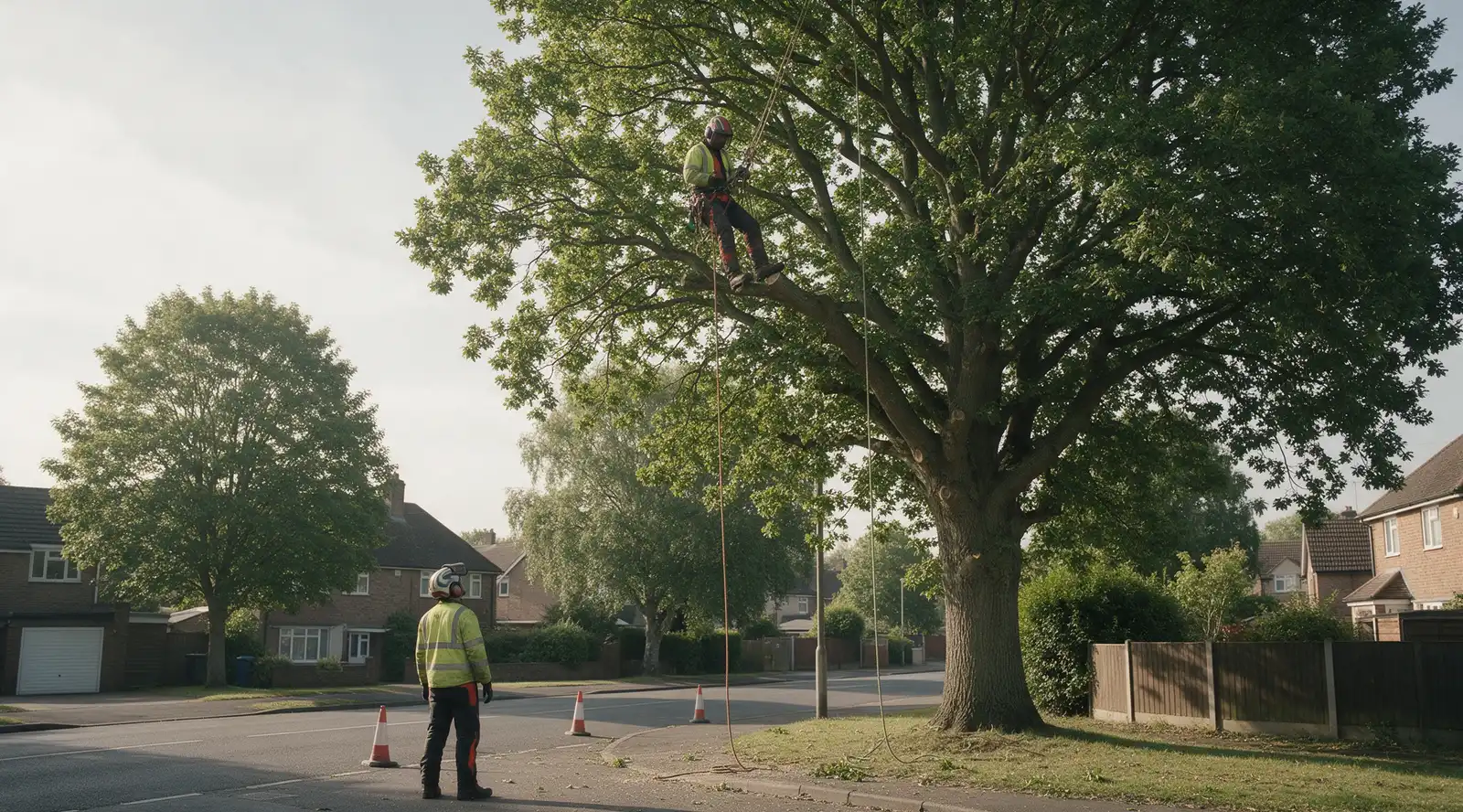
Say the tree. Get paid.
Talk at the tree and it is a priced quote. Accepted in a tap, paid by card.
tree·canopy is a tree survey app for arborists and tree-care firms that records each tree by voice, drafts the BS 5837 report for UK work and sends priced quotes, with crew seats free.
See the live demoCrew seats are free. Only the office pays.


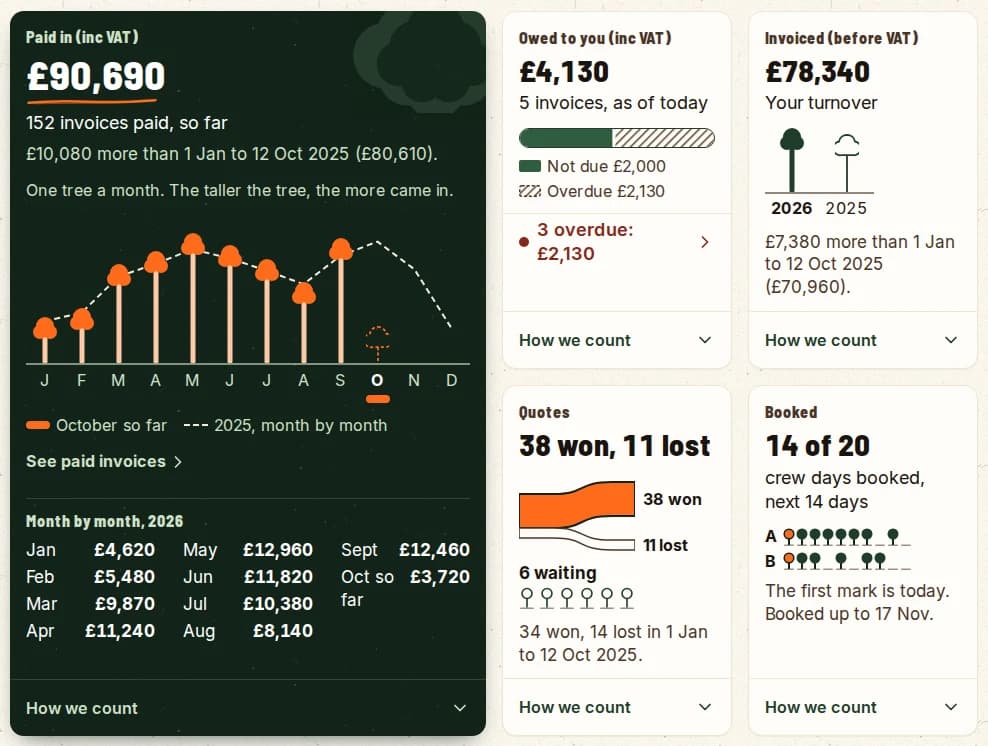
A drawing of the Numbers screen with example figures. One orange tree for each month, taller where more was paid in, with last year as a dashed line behind. Below it, quotes fork into won and lost and a week shows its booked days.
One job, from the first call to the money
Follow one oak through the app. The people and the figures are an example.
- 1
A customer asks.
Log the call, or take it from your request form. It is a lead.
- 2
You say the tree.
Species, size and condition go on its record, under its tag.
- 3
It is a priced line.
The tree, the work and your price. Nothing to type up later.
- 4
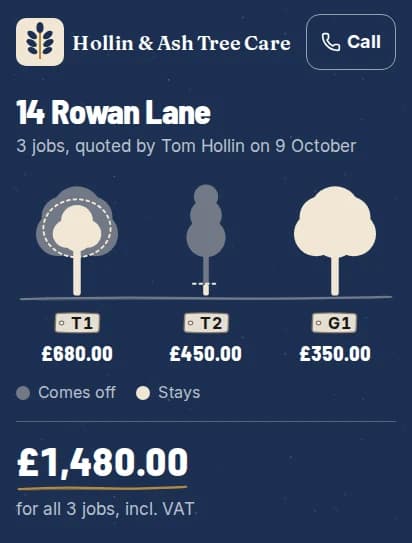
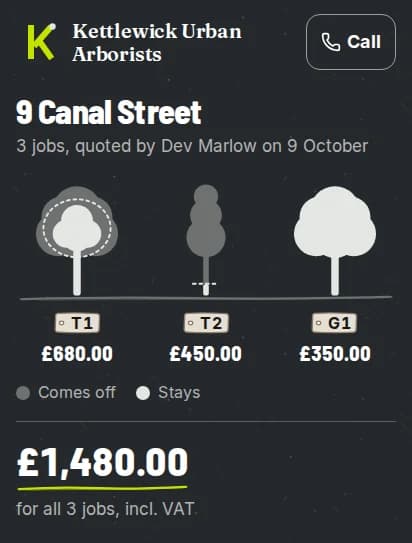
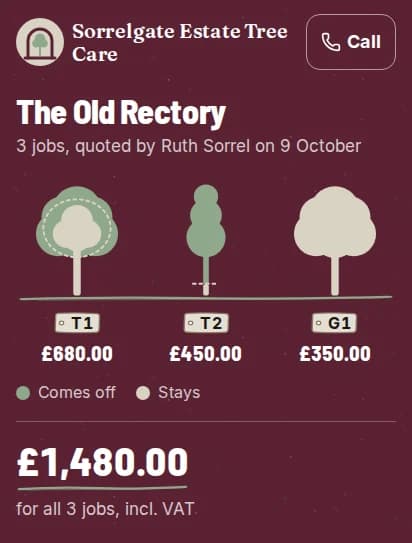
She opens your page.
Your logo, your colours, her oak drawn. Every firm gets its own look.
- 5
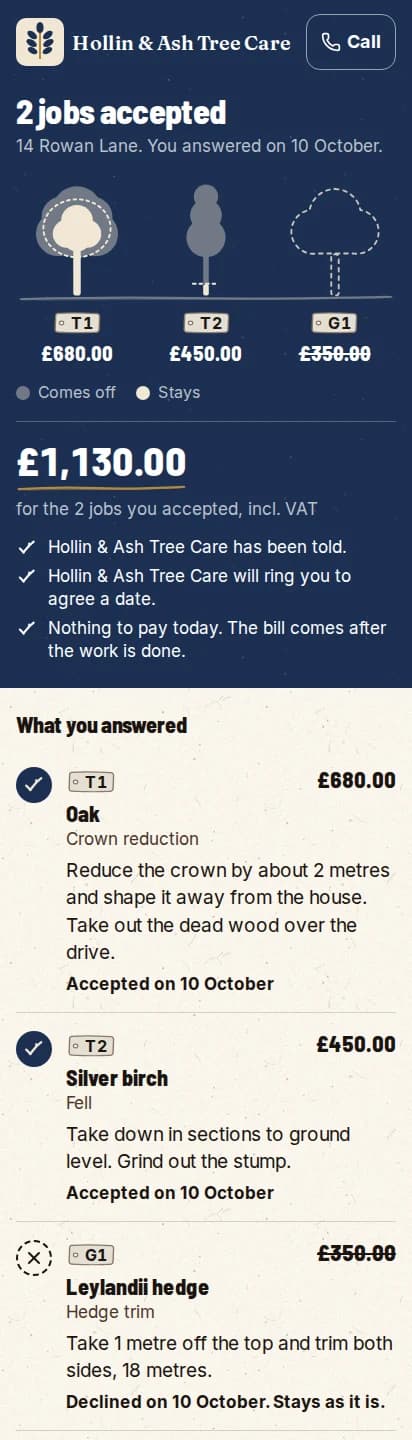
She accepts. You are told.
One tap, no login. The job is ready to book.
- 6
Booked with a crew.
It shows on their day. Crew seats are free.
- 7
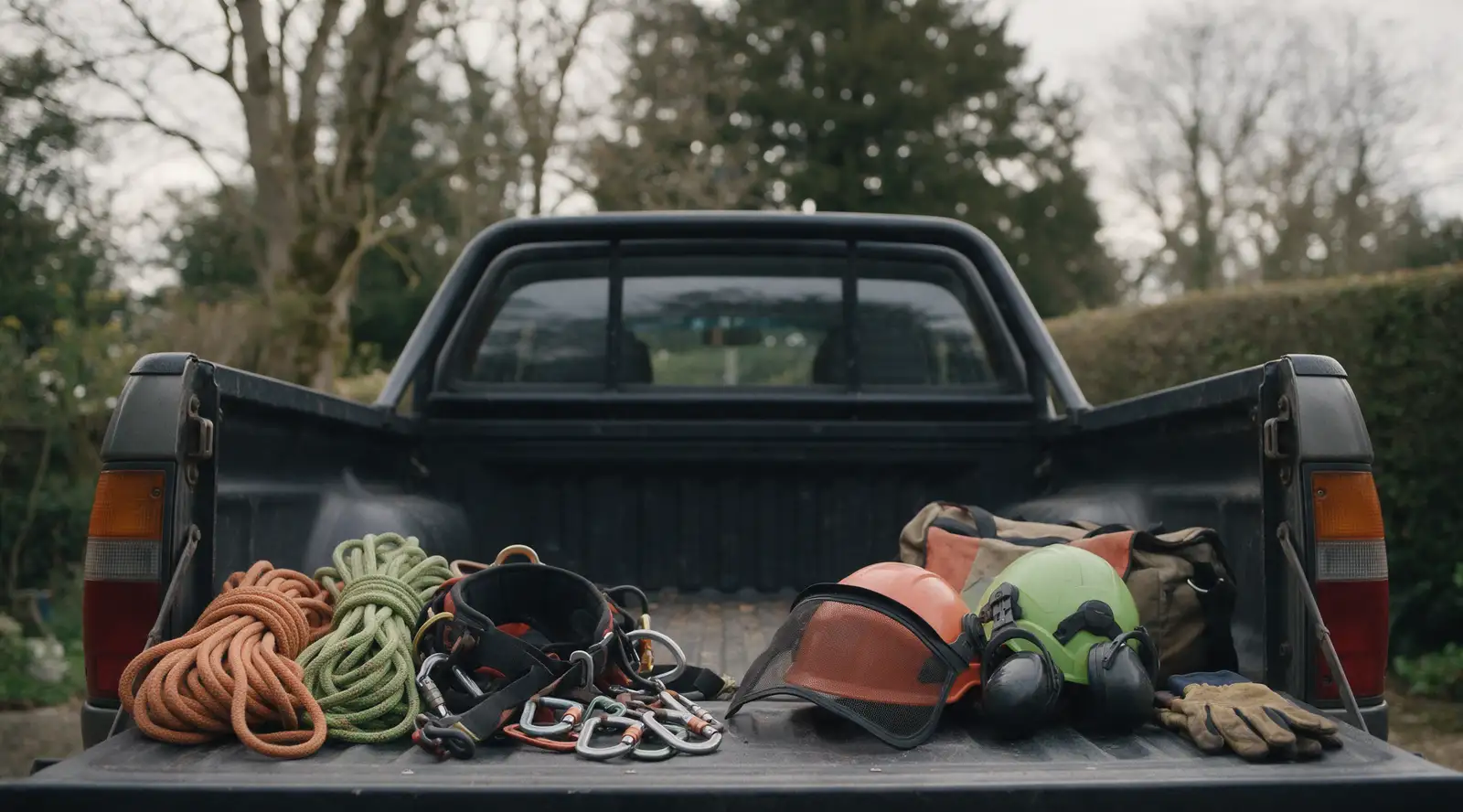
Kit checked.
One press. Kit is switched on firm by firm, so ask us for it.
- 8
The work is done.
The crew marks it done on site. The oak is two metres smaller.
- 9
Paid by card.
The quote line carries through to an invoice with a card link.
- 10
It shows in your year.
Numbers draws what came in, a tree a month. October just grew.
A drawing of one example job. An oak stands on a ground line while the job goes past it: the customer’s call, the spoken note, the priced quote line, the customer’s page in the firm’s colours, the accepted quote, the booked job, the kit check, the cut, and the paid invoice. The payment then shows as part of October’s tree on the Numbers screen.
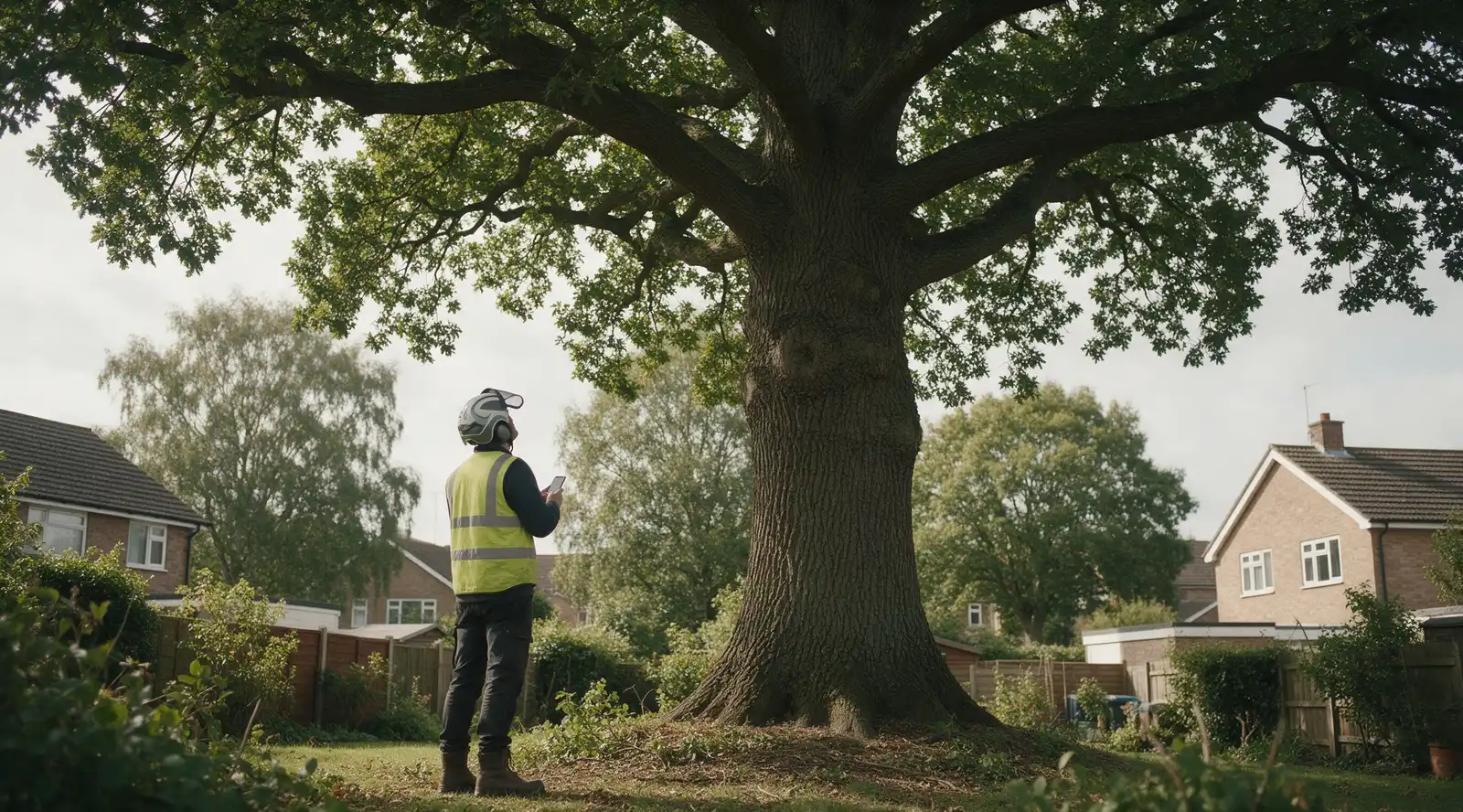
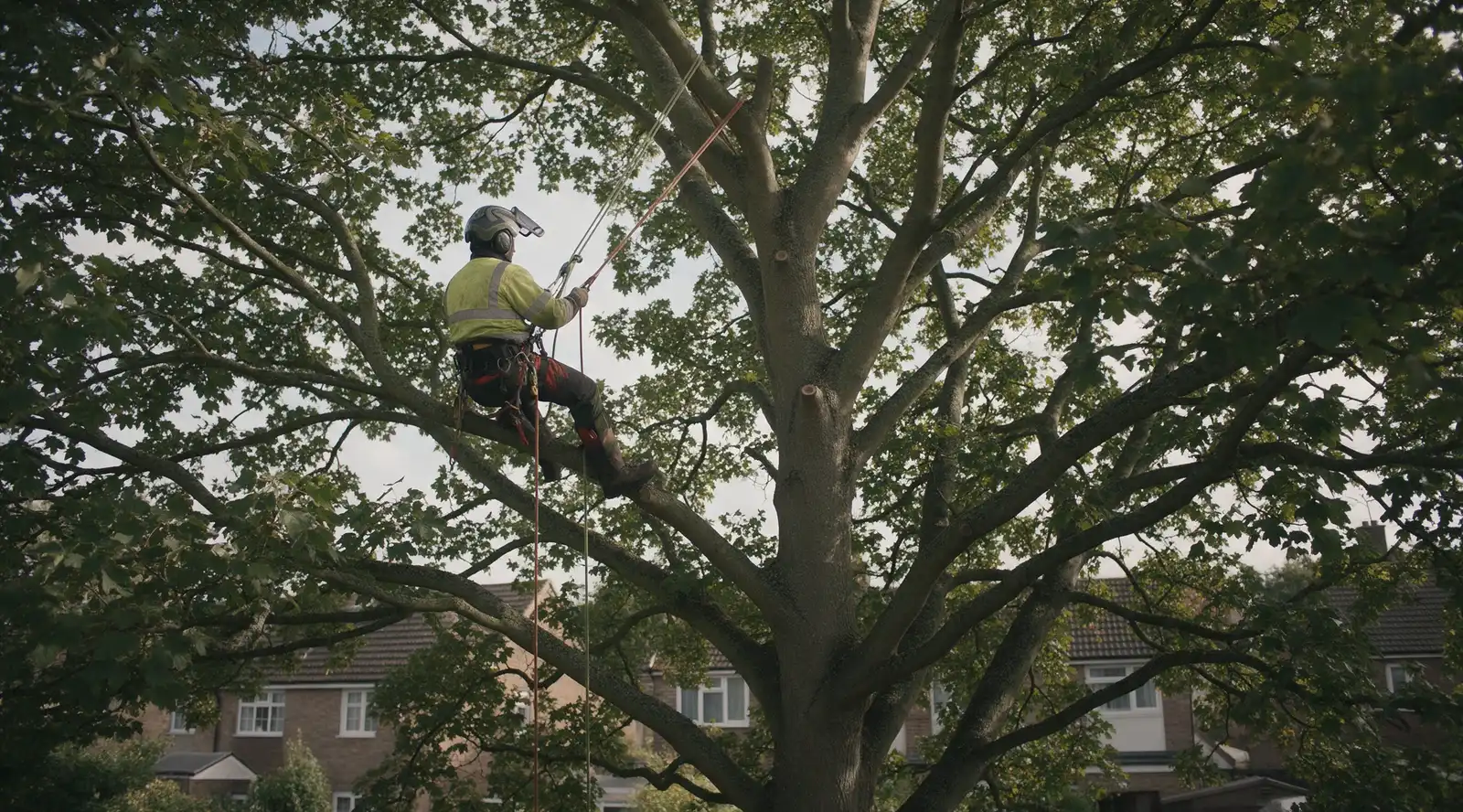
One job, from the first call to the money
A customer asks.
Log the call, or take it from your request form. It is a lead.
You say the tree.
Species, size and condition go on its record, under its tag.
It is a priced line.
The tree, the work and your price. Nothing to type up later.
She opens your page.
Your logo, your colours, her oak drawn. Every firm gets its own look.
She accepts. You are told.
One tap, no login. The job is ready to book.
Booked with a crew.
It shows on their day. Crew seats are free.
Kit checked.
One press. Kit is switched on firm by firm, so ask us for it.
The work is done.
The crew marks it done on site. The oak is two metres smaller.
Paid by card.
The quote line carries through to an invoice with a card link.
It shows in your year.
Numbers draws what came in, a tree a month. October just grew.
One tree, one breath.
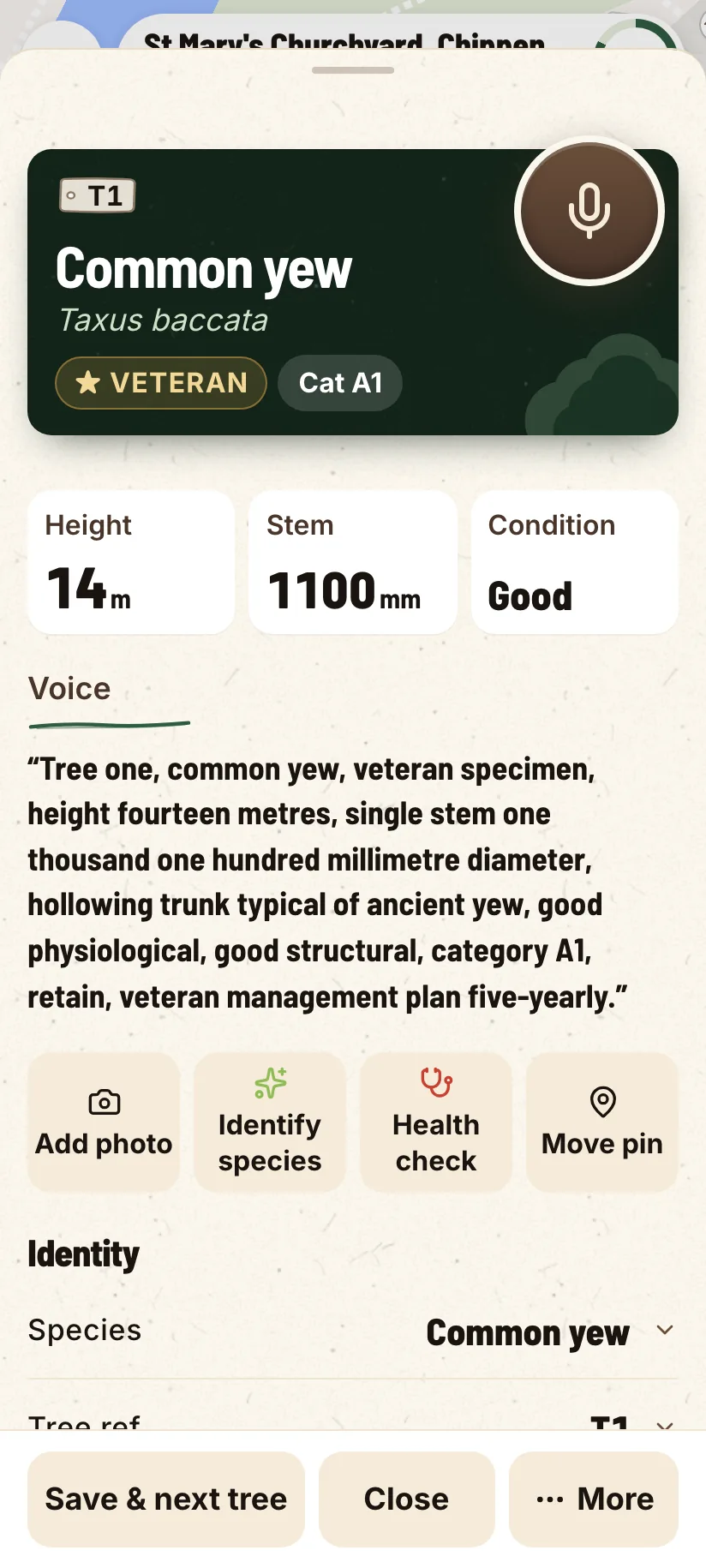
Your quote, in your own look.
Bring your whole crew for nothing.
Only the office pays.
- You, running the firm
- One surveyor writing the quotes
- Four climbers and groundiesFree
Six of you on the books, two of the five seats used. Practice Crew comes with five office seats, so there are three left for the day you need them. Drop the surveyor and it is a one-seat firm on Solo. The four on the tools are still free.
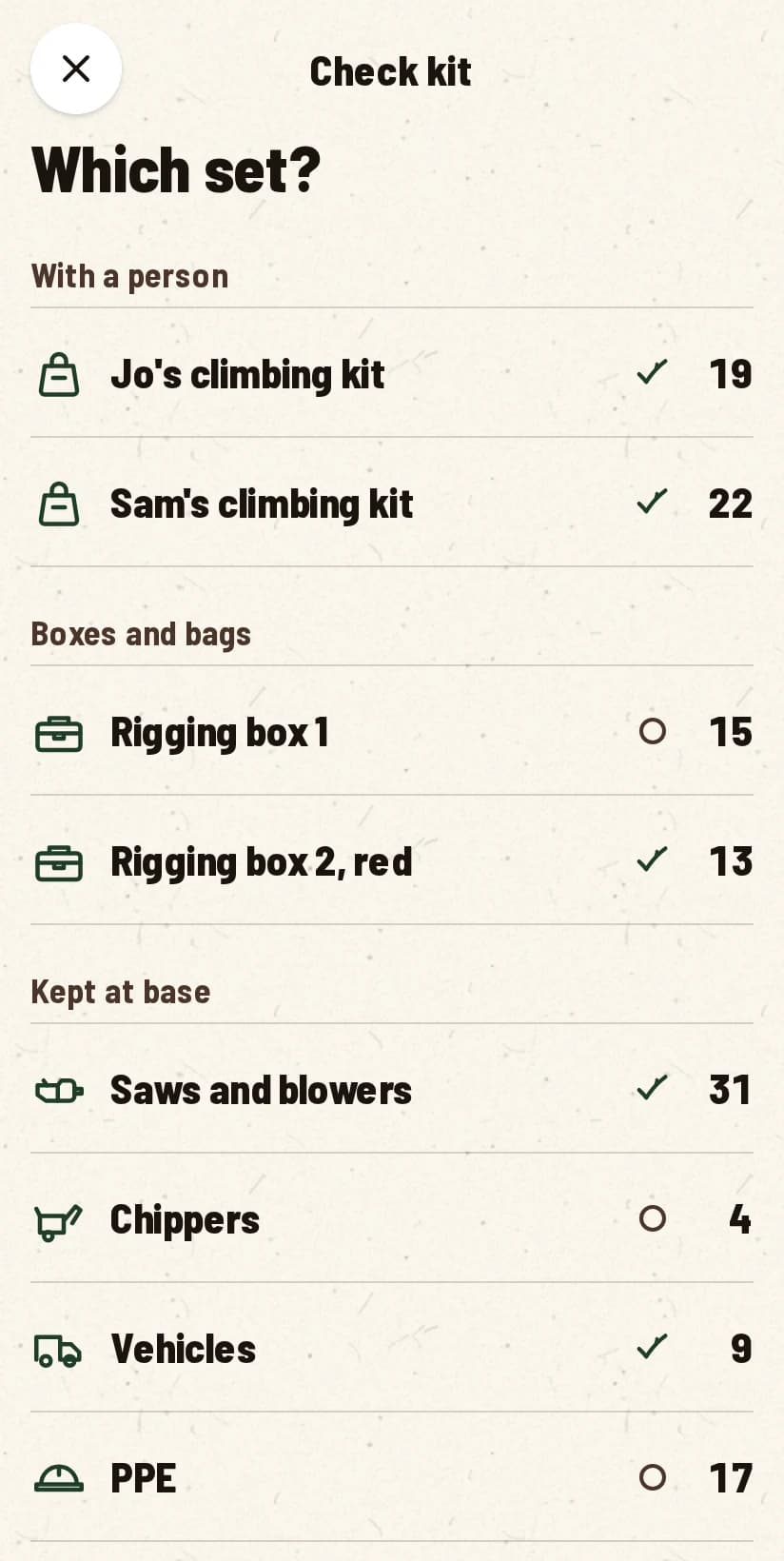
Check the kit by tapping what is wrong.
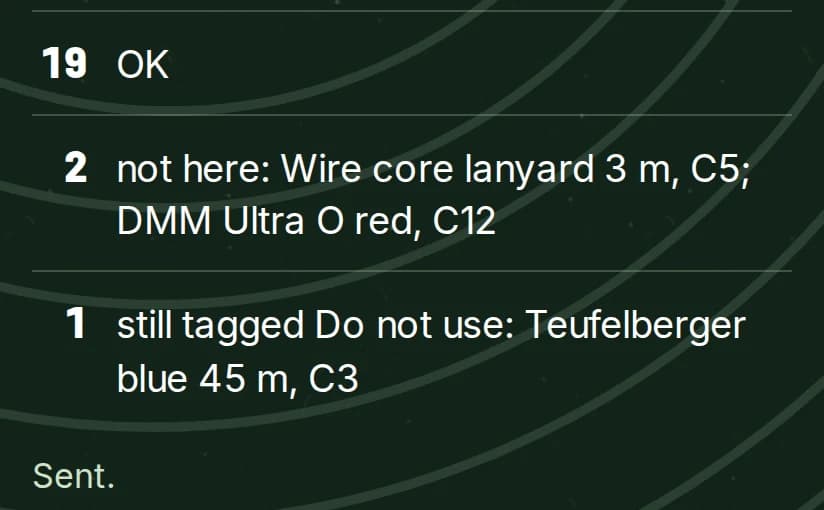
Kit is switched on firm by firm. Ask us to switch it on for yours. Checking a set needs a signal for now.
Ask us to switch it on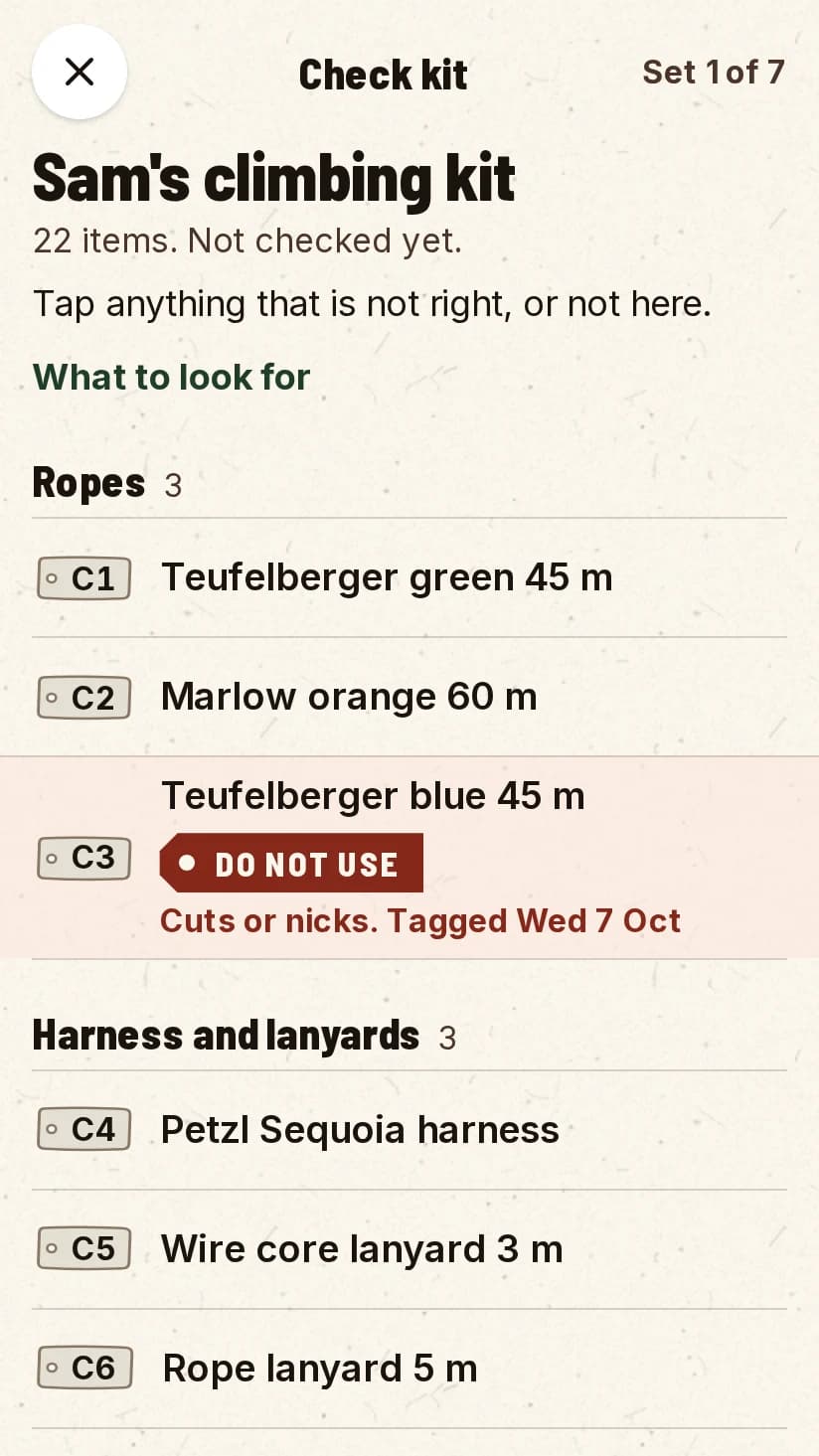
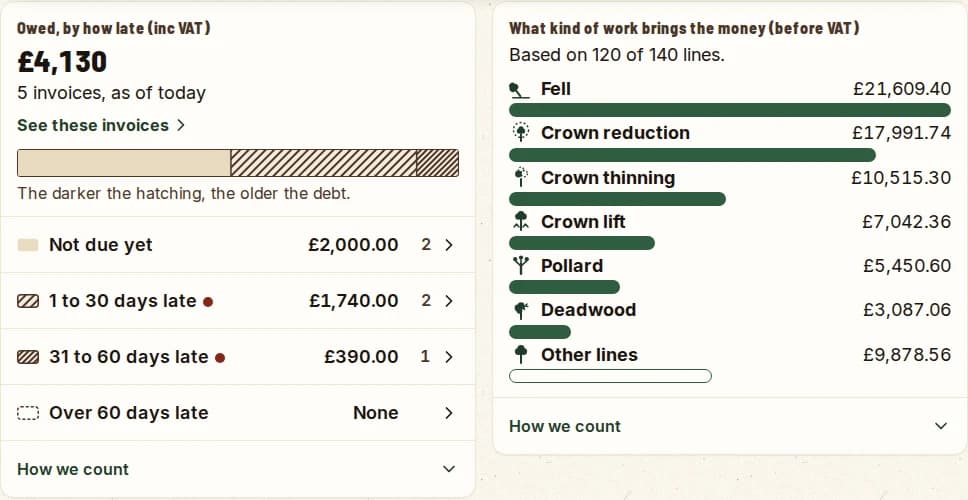
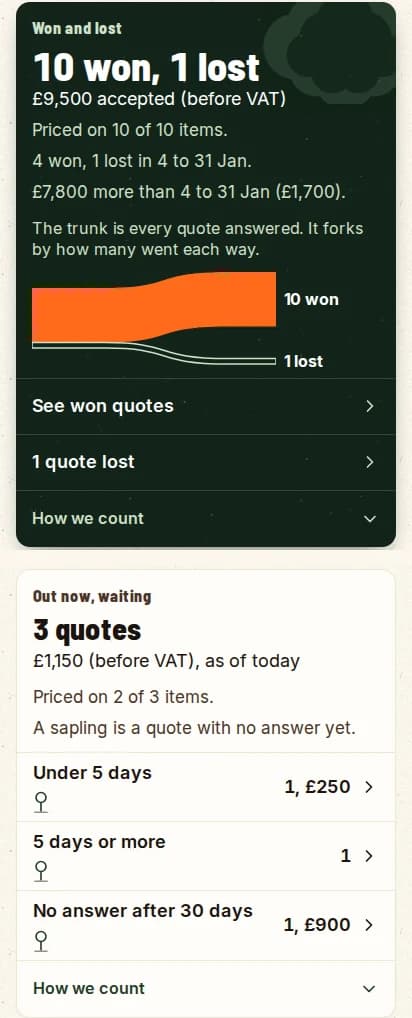
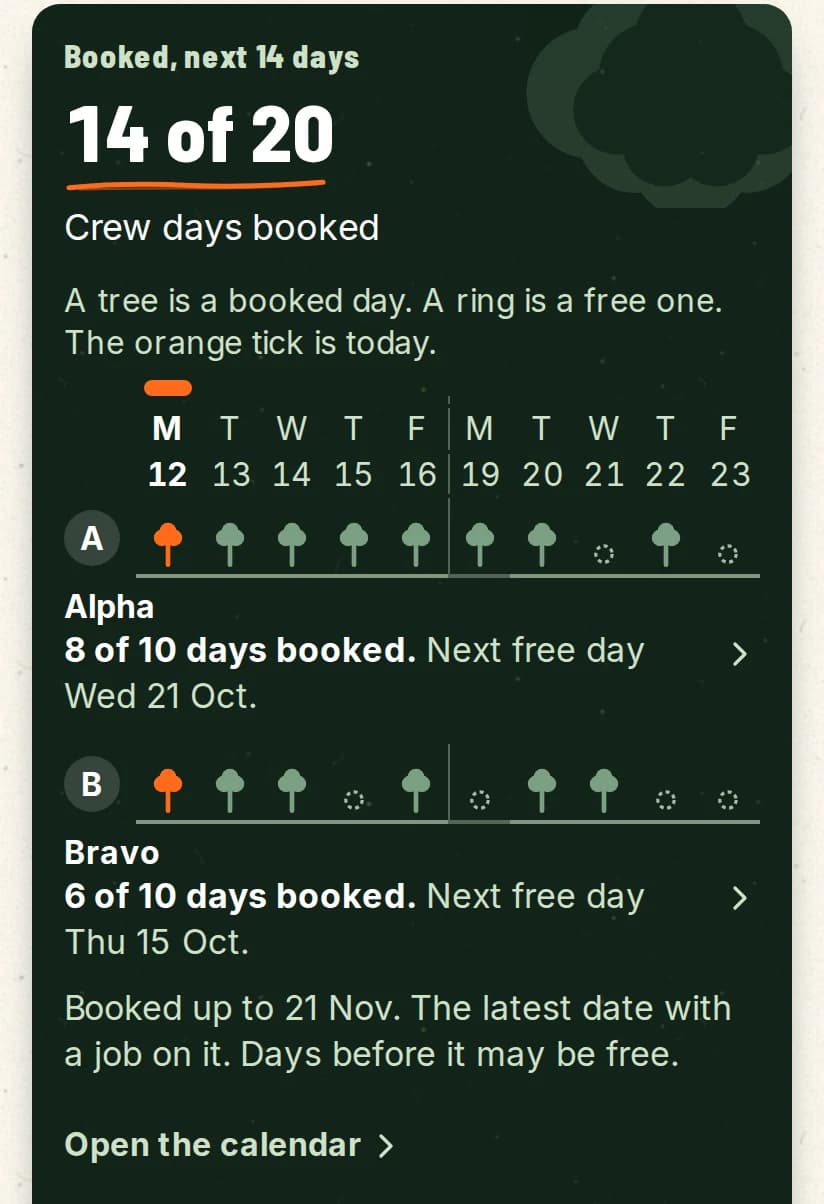
See the money as trees.
Every figure opens the invoices, quotes or jobs behind it. “How we count” under each card says how the number was made, and rows download as a spreadsheet. Where there is not enough data, it says so in words.
No signal at the back of the site.
- 01
Saved on the phone first
- 02
Queued, then sent
- 03
You can see what has synced
Every tree pinned.
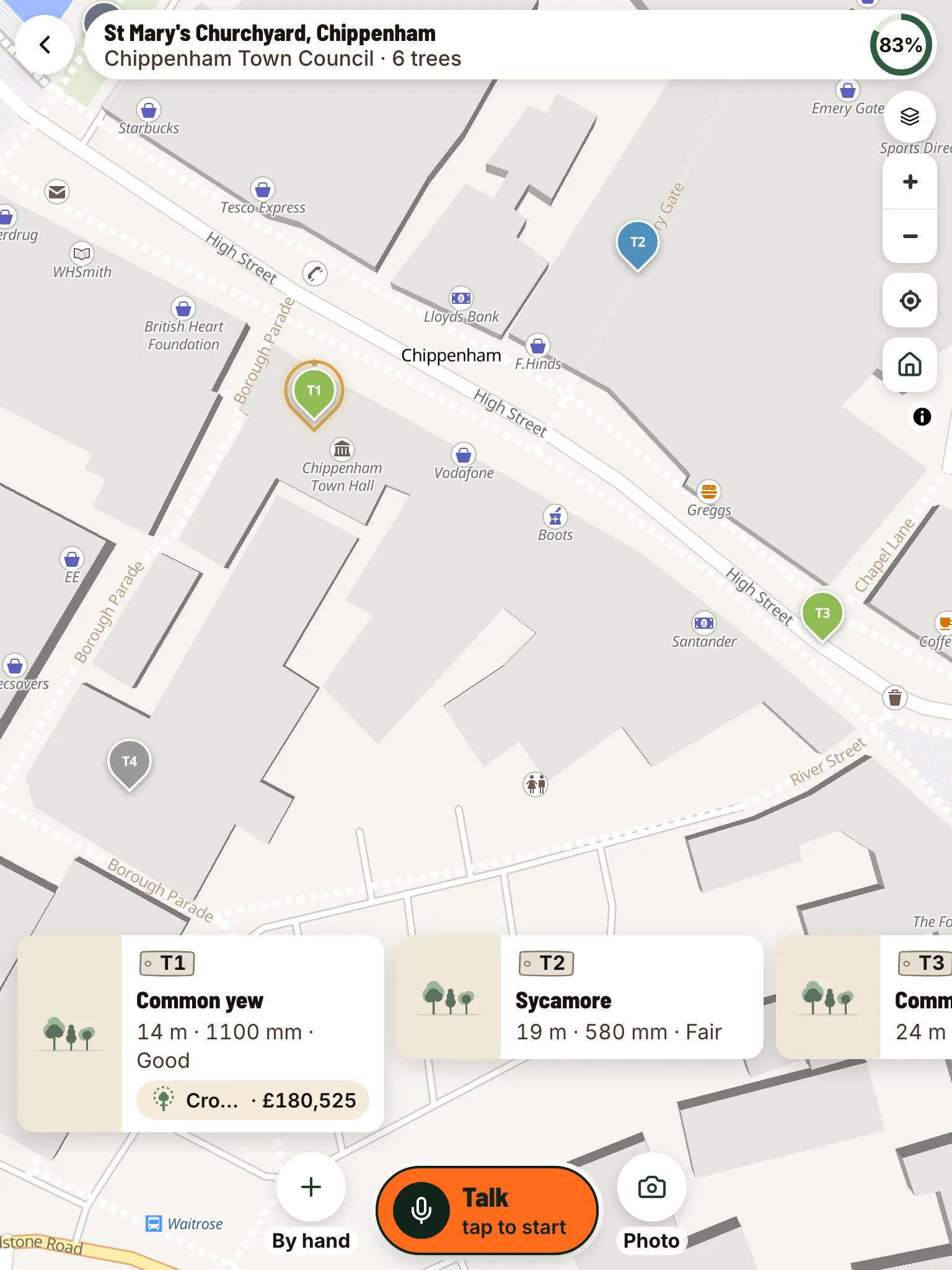
A customer-ready PDF, drafted for you.
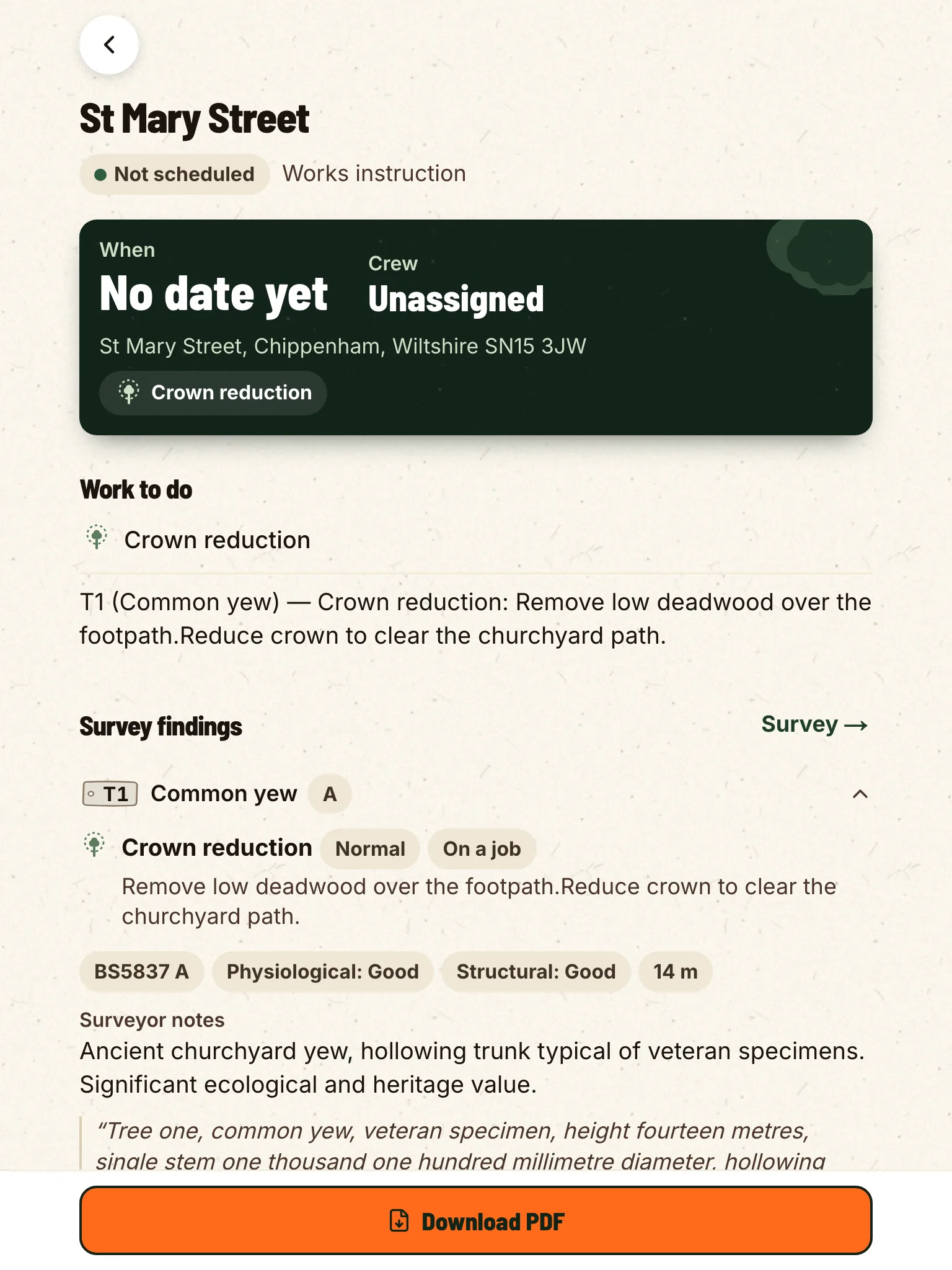
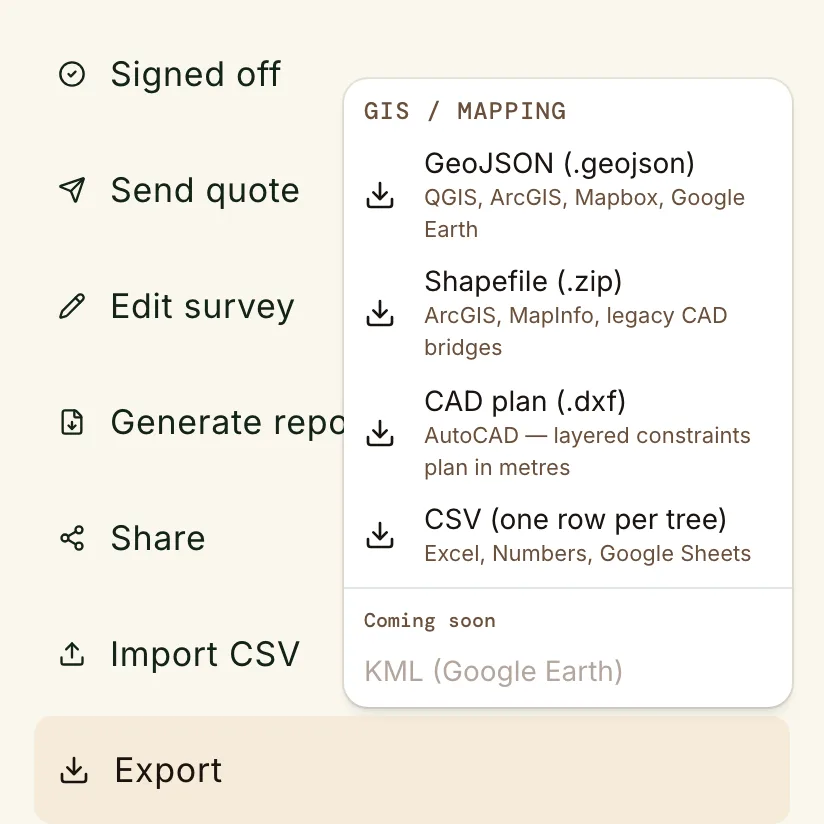
Your country’s standard.
- English
- Deutsch
- Français
- Español
- Português
- Italiano
- Nederlands
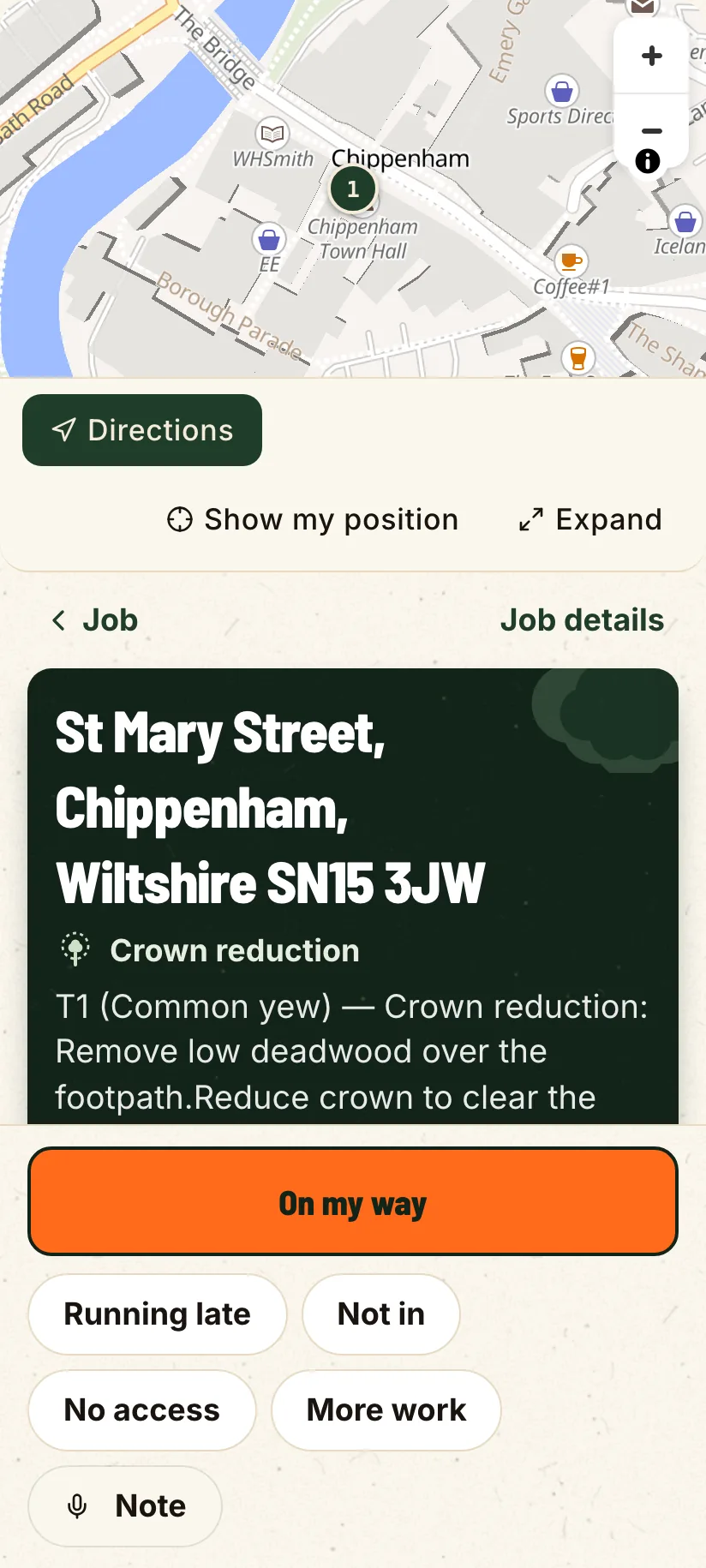
The job gets written down twice.
- 2×
- 9pm
- 0
Walk a real job in the live demo.
Open the live demoFlat prices, and the crew is free.
Solo
$24.99
Practice Crew
$129.99
Enterprise
$1,199
Try it on your next site.
14-day free trial, no card. Download it tonight and walk a job on Monday.

